
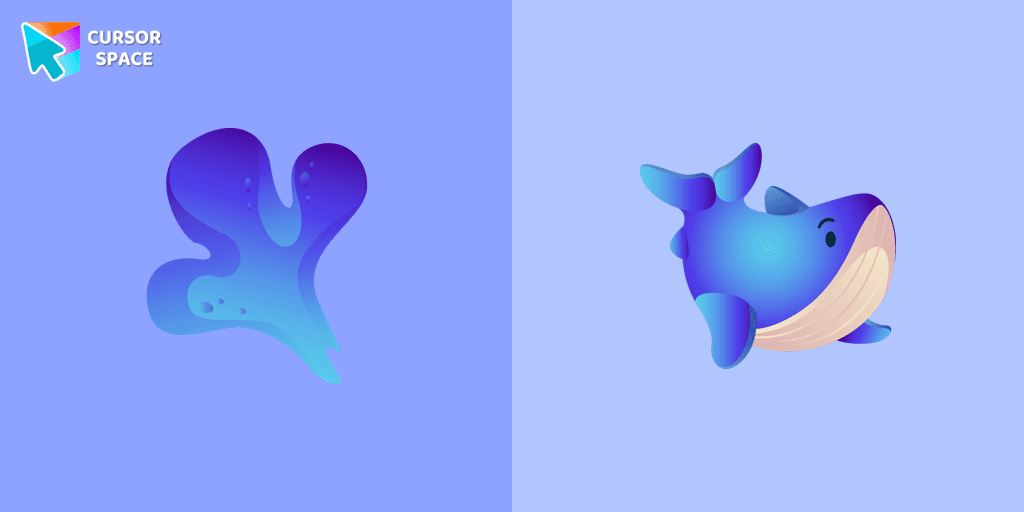
Whale cursor
0Free
The greatest and biggest mammal on the earth is presented in our custom cursors collection with animals for mouse and pointer. Nice whale cursor for chrome in a mild blue color design.
Relive Your Sweetest Memories with Candy Cursor No matter how old we are, the love for candies is universal. Some of our most treasured childhood memories revolve around visiting candy stores and being entranced by the vibrant rainbow of colors. Introducing the Candy Cursor Now, you can bring back the joy and nostalgia of those enchanting moments with the Candy Cursor from our Textures custom cursors collection for Chrome. This delightful cursor design captures the essence of colorful candies, allowing you to enjoy a sweet visual treat every time you use your mouse.
Indulge Your Senses With the Candy Cursor, you can add an extra dash of sweetness to your browsing experience. Indulge in the simple pleasure of a beautifully designed custom cursor that takes you back to those magical days when all it took to make us happy was a handful of candies.
Install the Cursor Space extension for Chrome or Cursor Space for Edge in your browser.
On this page, click "Add this cursor pack to the extension".
Open the extension and go to the Packs tab.
Find the custom cursor pack "Candy Texture cursor" and click it.
Enjoy!
Get this cursor pack and thousands of others by installing our extension. It's fast and free!
Candy Texture Cursor is a themed cursor pack you can add to your browser to personalize your pointer across common cursor states (default and pointer). Use it for everyday browsing, streaming, studying, or gaming-anywhere you want your cursor to match your vibe.
See how the cursors look before installing.
Add the pack to the extension in a few clicks.
Designed for Chrome and Edge via the extension.
Quick answers to common questions about cursor packs, collections, and installation.
Yes. To apply cursor packs in Chrome or Edge, install the Cursor Space extension and add this pack to it.
Cursor packs are designed for Chromium browsers like Chrome and Microsoft Edge.
Open the extension, choose another pack or disable the current one to return to your default cursor.
Custom cursor and packs - neon, anime, pixel art. Quickly add to Chrome and Microsoft Edge for free
The greatest and biggest mammal on the earth is presented in our custom cursors collection with animals for mouse and pointer. Nice whale cursor for chrome in a mild blue color design.
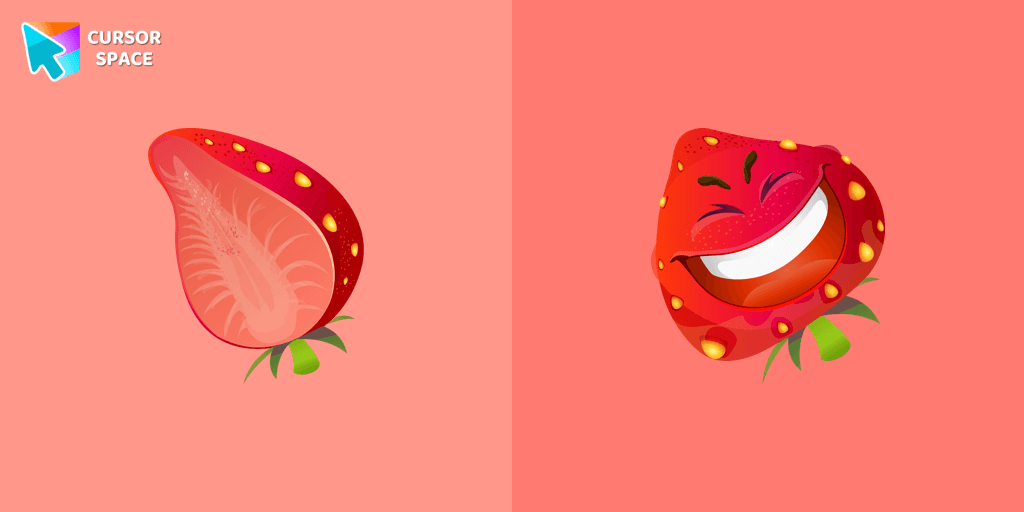
The happy strawberry custom cursor for a mouse will definitely make you feel happy as well. Add a custom cursor with strawberry fruit from the funny fruits custom cursors collection for Chrome.
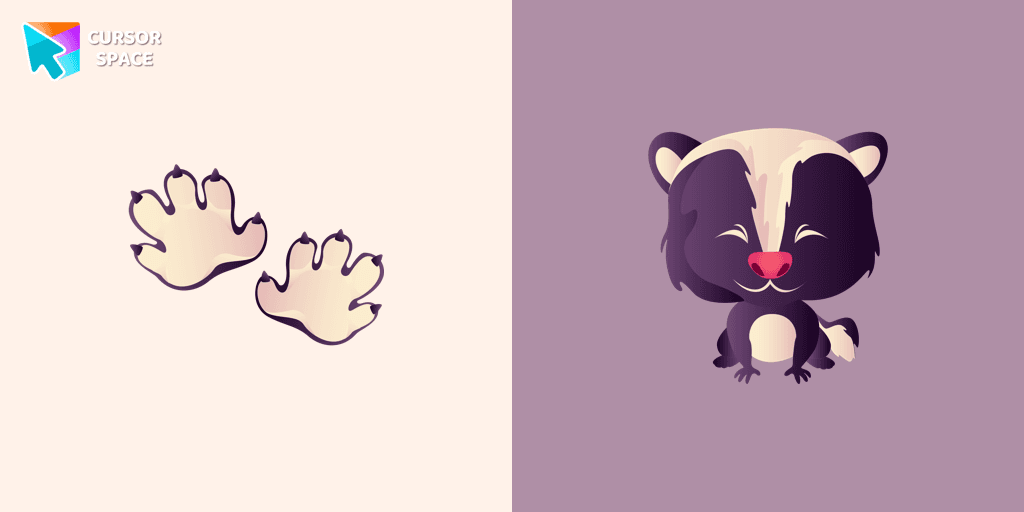
A predatory animal that loves to cause a lot of trouble! Meet the Sly Skunk cursor for Chrome in a custom cursors collection with Animals for mouse and pointers.
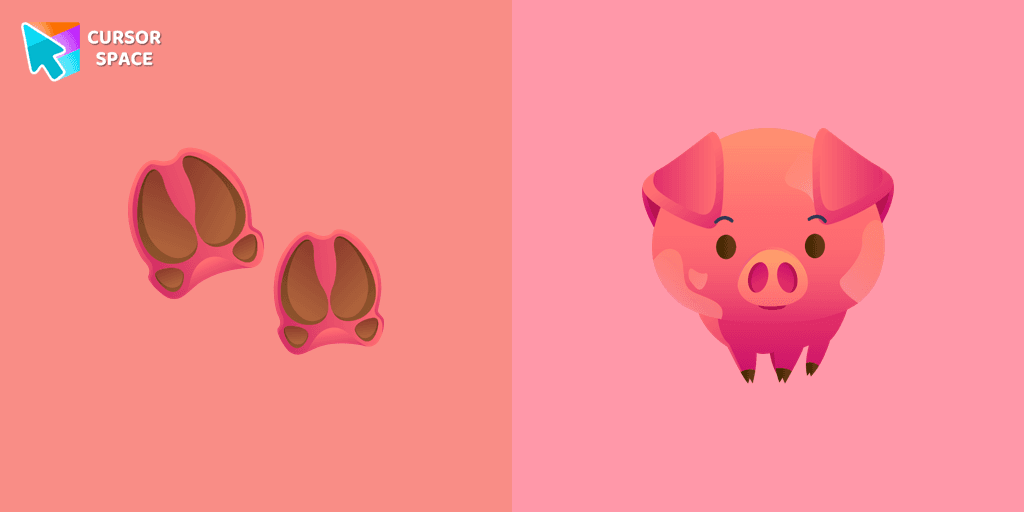
A funny pig from the farm is a well-known animal that lives near humans. We are glad to present this cute custom cursor with a pig animal from the adorable custom cursors collection for the mouse and pointer with animals.
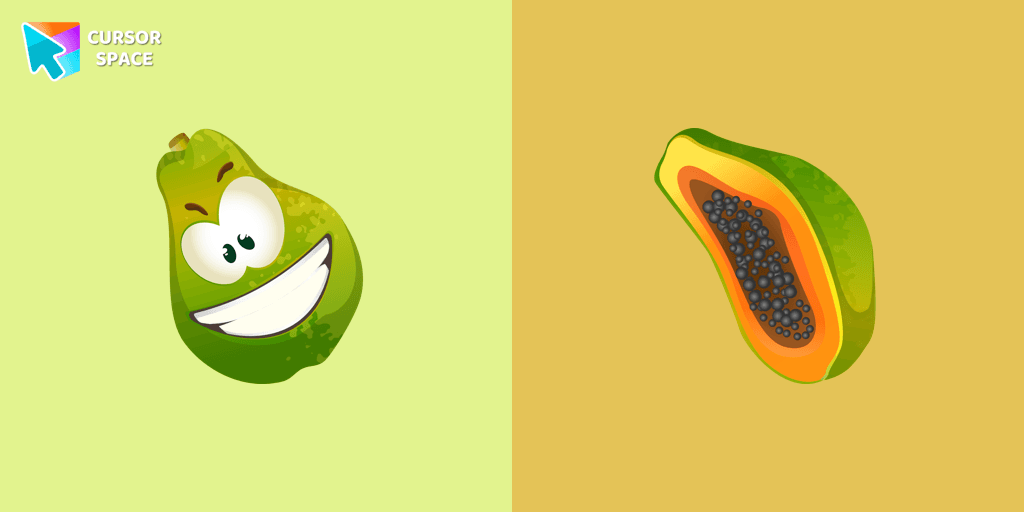
Juicy papaya cursor is illustrated for our Fruits Cursors custom cursors collection for Chrome. Slice of papaya as a cursor for the mouse and funny papaya pointer will look pretty nice on your screen.
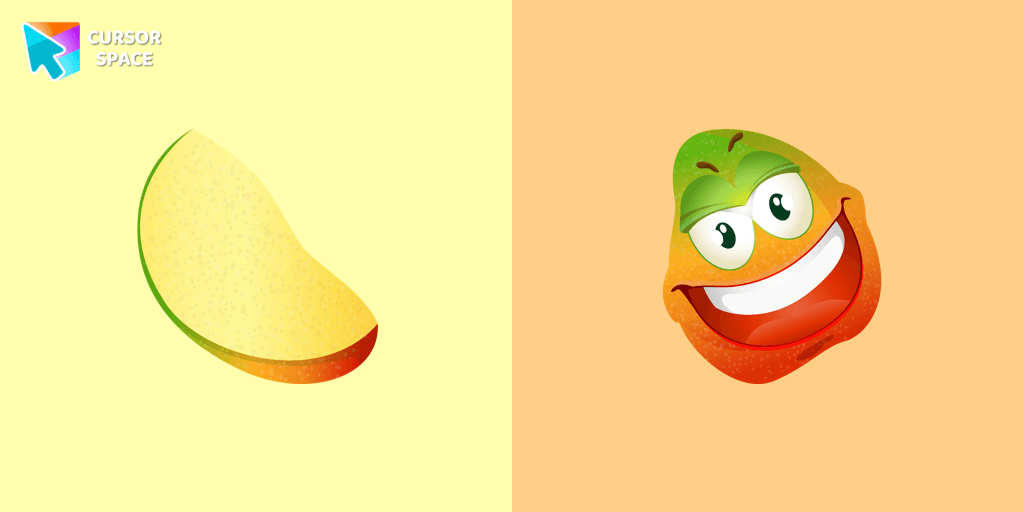
Merry mango cursor for mouse and pointer adds a fun mood to your everyday browsing the web. Funny fruits custom cursors collection for Chrome and its cursor with mango is here!
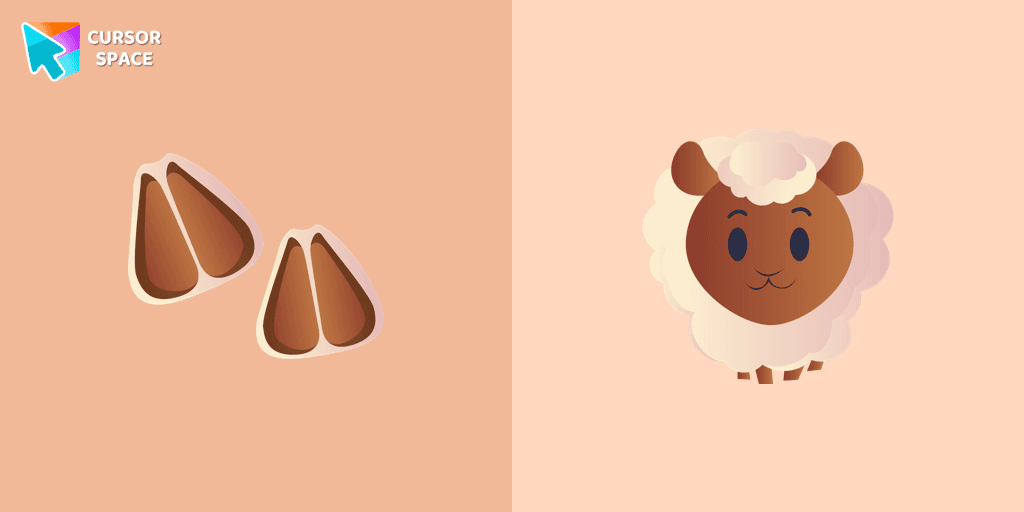
Funny sheep from the farm is a well-known animal that lives near humans. We are glad to present this cute custom cursor with a sheep animal from the adorable custom cursors collection for the mouse and pointer with animals.
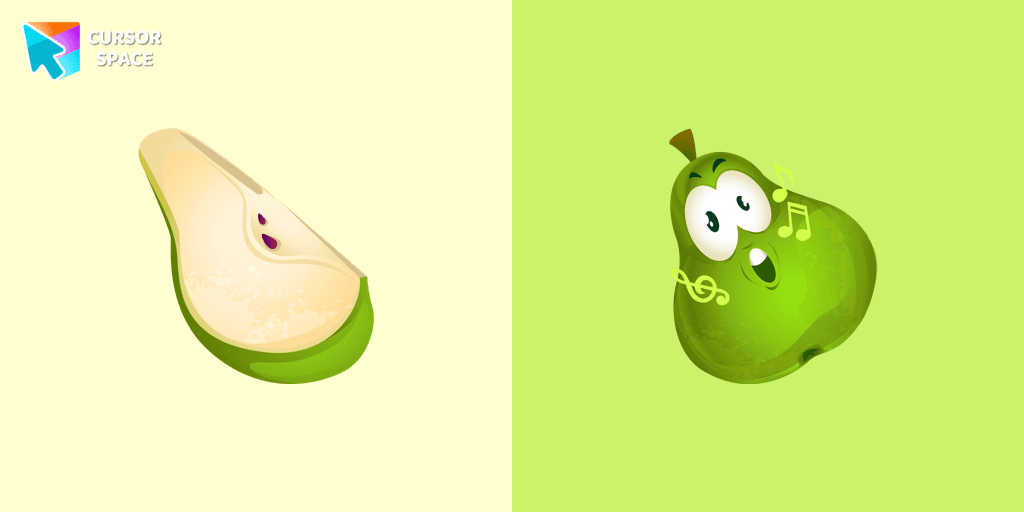
It’s a sweet and loved fruit from the Mediterranean area that pleases people by its good tasting. A cute pear cursor in musical decorations will change your default mouse cursor to a funny custom cursor and pointer.
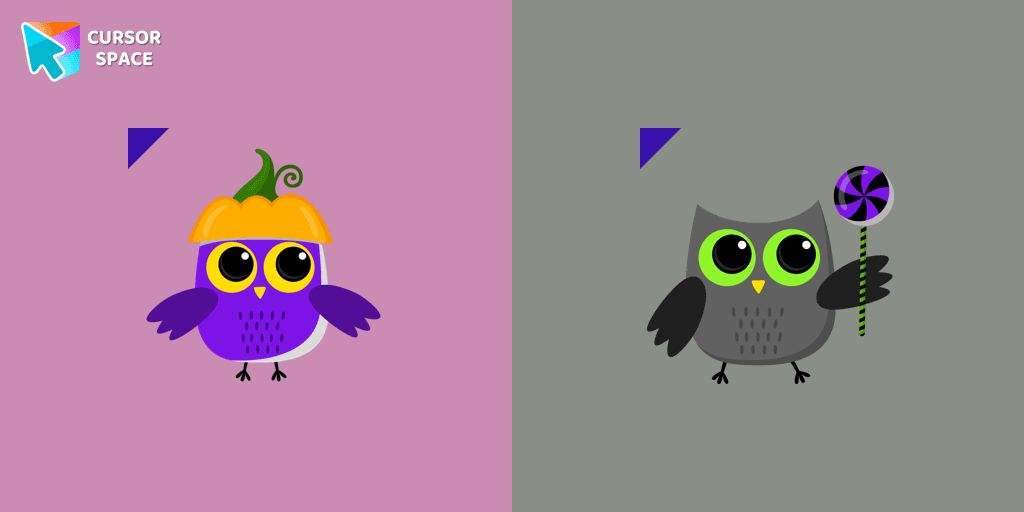
Most owls sleep during the day and hunt at night. Add a custom cursor with owl from our adorable custom cursors collection with animals.
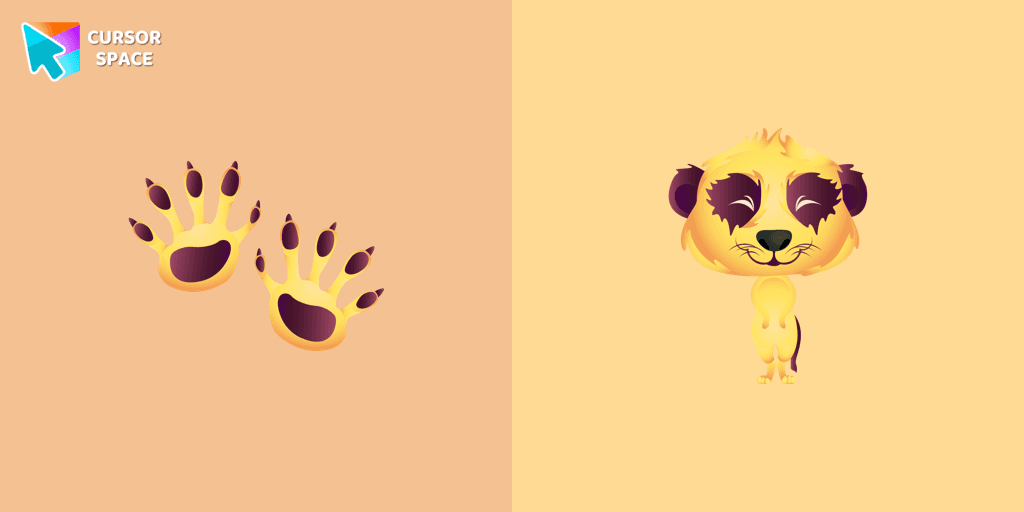
If you want to change your usual cursor to something cute, our meerkat cursor for mouse and pointer will be a good match for this job. Cute little meerkat cursor and pointer in our adorable custom cursors collection with animals.
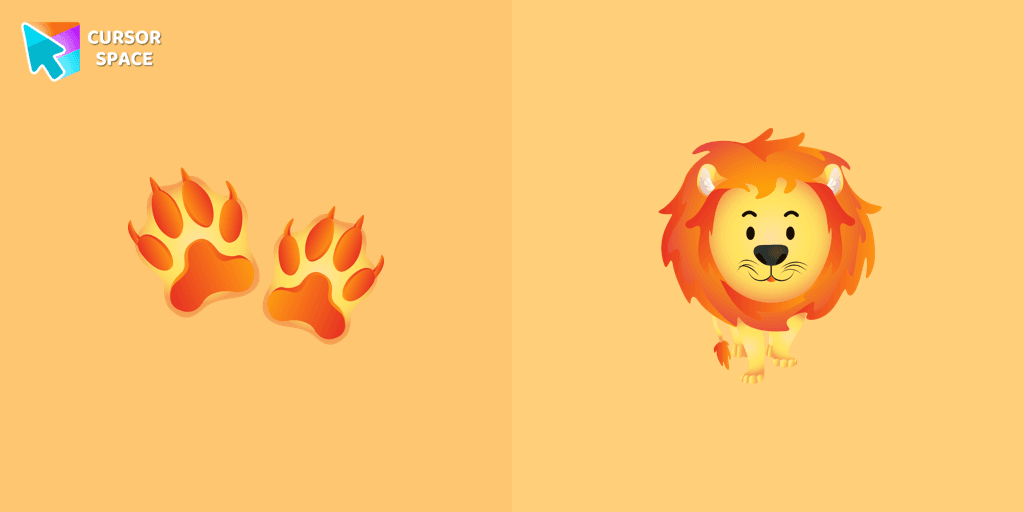
Cute lion custom cursor with footprints is available in the animals custom cursors collection for mouse and pointers.
Installation leaders from "Textures cursor": free packs, neon/anime/pixel art, quick add to Chrome and Edge.
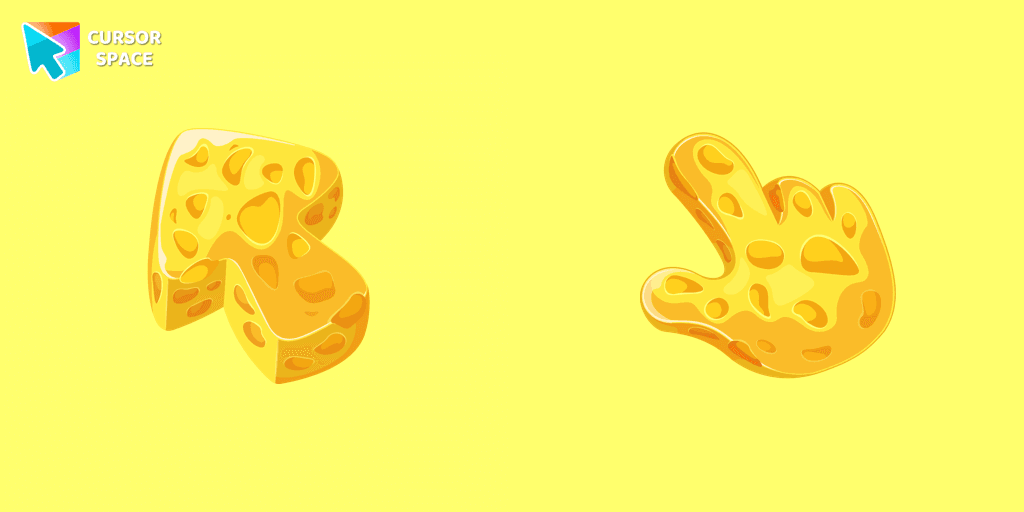
This cheese-themed custom cursor is a delightful addition to our Textures custom cursors collection specifically designed for Chrome users.
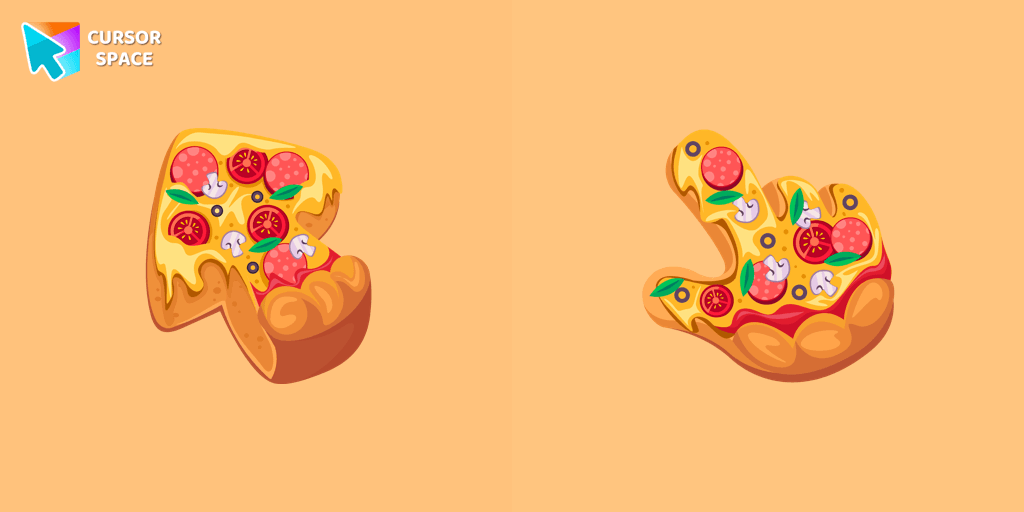
Enjoy browsing with our custom cursor for Google Chrome featuring a fun pizza design. Add a unique touch to your screen and make your cursor stand out.
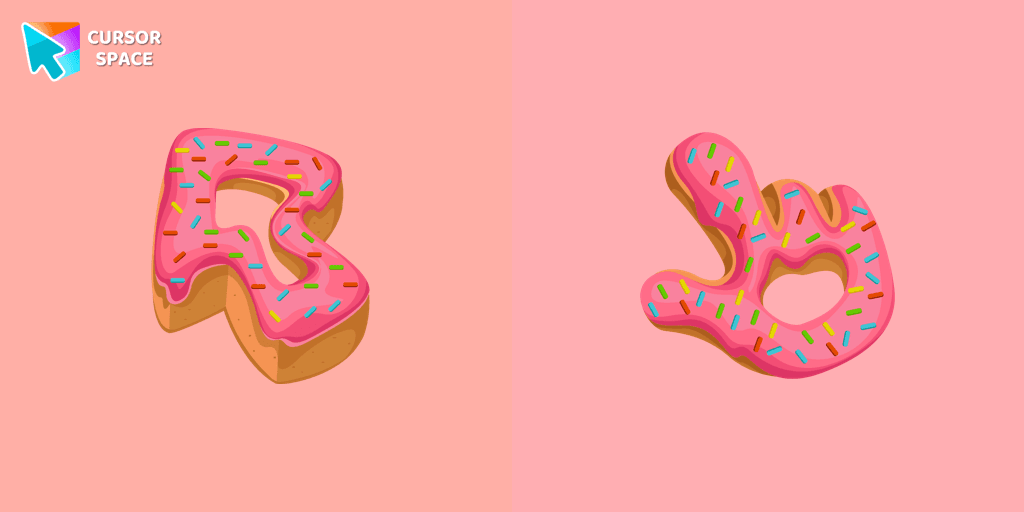
Enjoy a fun browsing experience with the Donut Textures custom cursor. Inspired by American films, this custom cursor for Google Chrome adds sweetness to your screen.
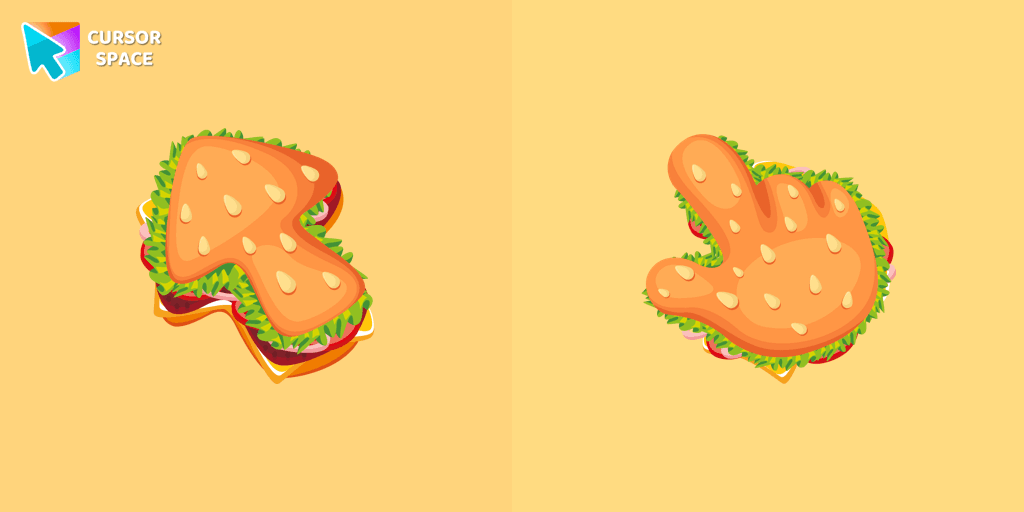
The Burger Texture cursor is a distinctive and entertaining option for Chrome users who enjoy personalizing their browsing experience with custom cursors.
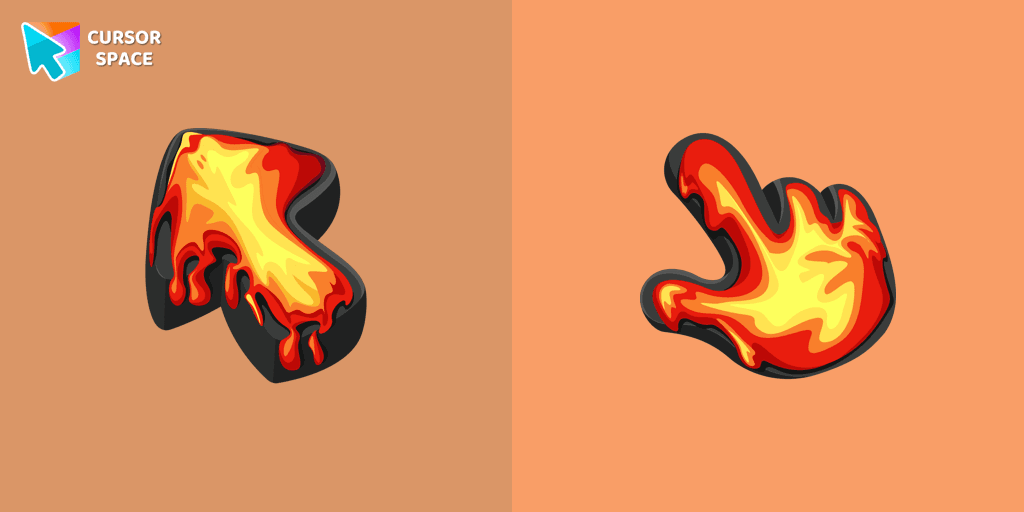
Ignite your browsing with the Lava custom cursor for Google Chrome, inspired by volcanic magma. Experience intense energy right on your screen.
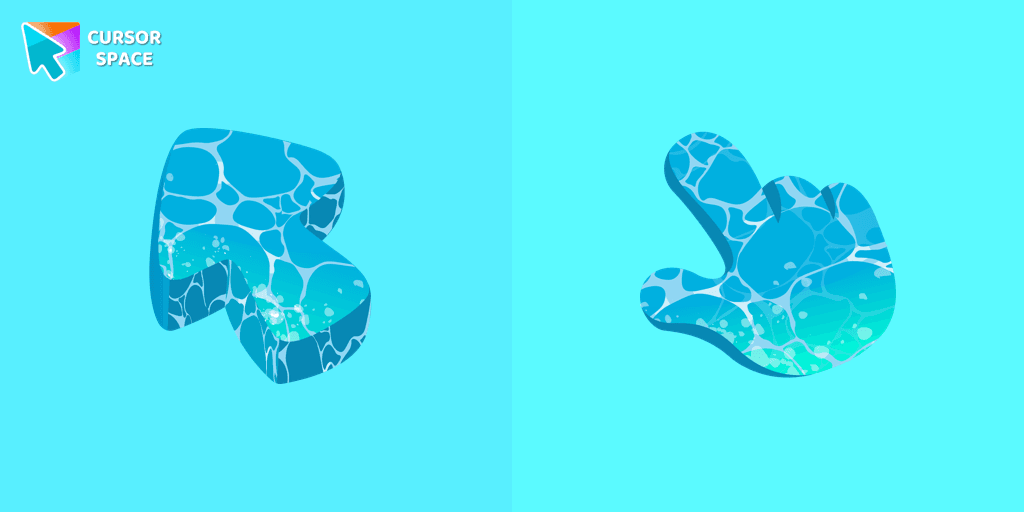
Water is interesting because it can be in different forms. It can be solid like ice, gas like steam, and even turned into a special cursor for your mouse.
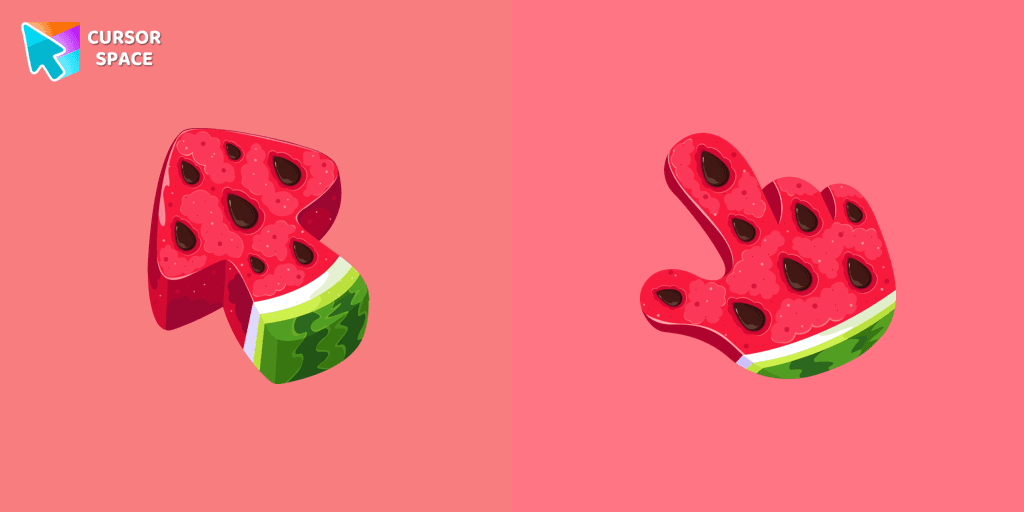
Enjoy summer vibes year-round with our Watermelon Texture custom cursor, adding refreshing charm and vibrant color to your browsing experience.
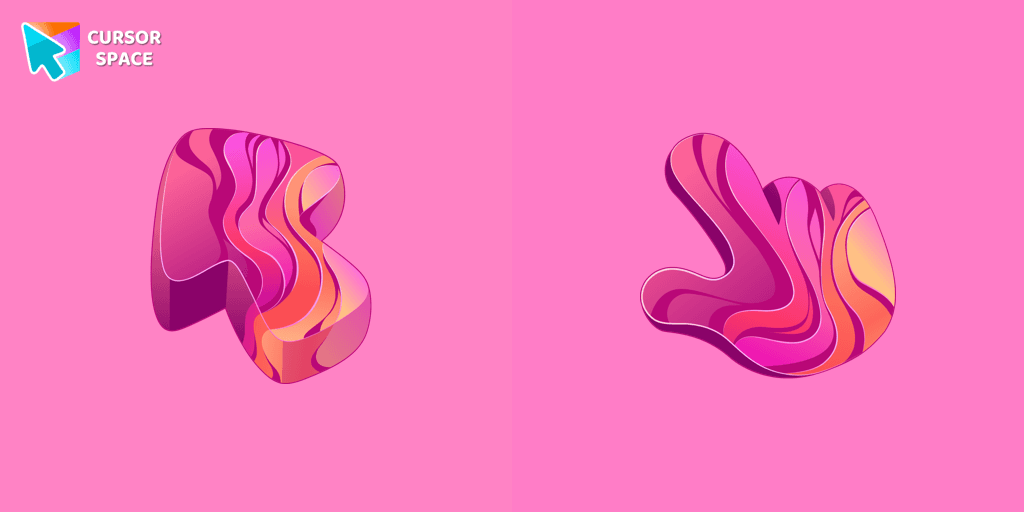
Add color and charm to your browsing with the Colorful Gradient Textures custom cursor. Express your style with this vibrant custom cursor for Google Chrome.
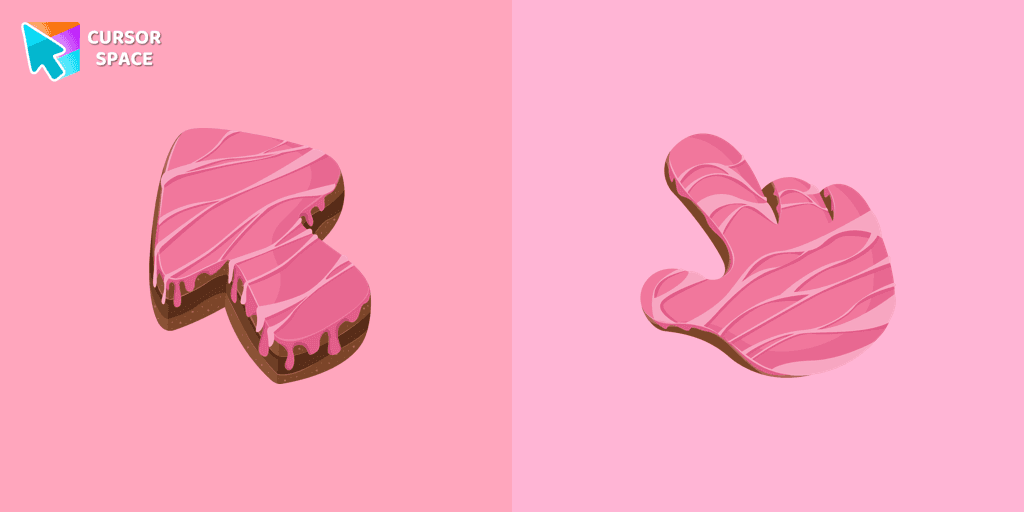
Elevate your daily browsing with our cake custom cursor for Google Chrome. Celebrate each click with sweetness and style using this delightful custom cursor
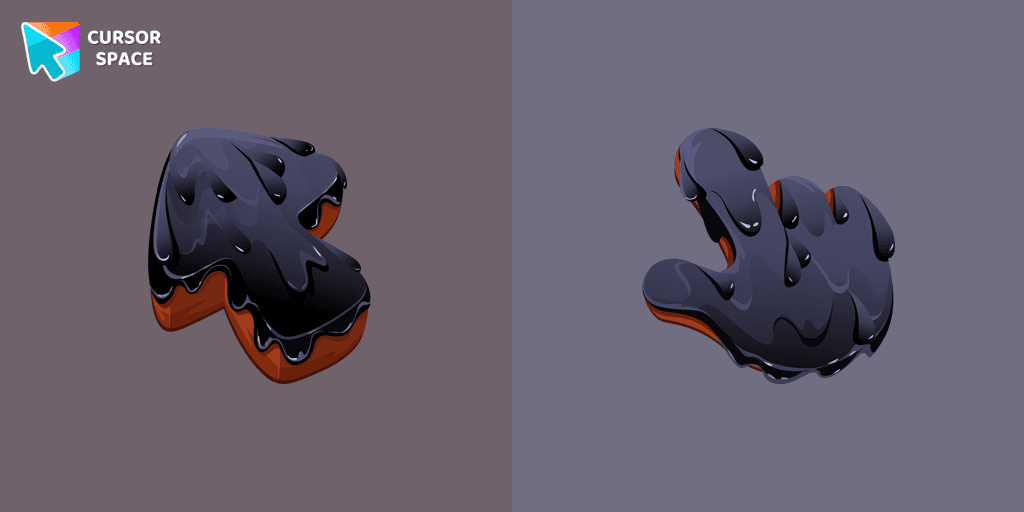
Upgrade your browsing with the Black Resin custom cursor for Google Chrome. Sleek and stylish, it adds a sophisticated touch to your screen. Try it now.
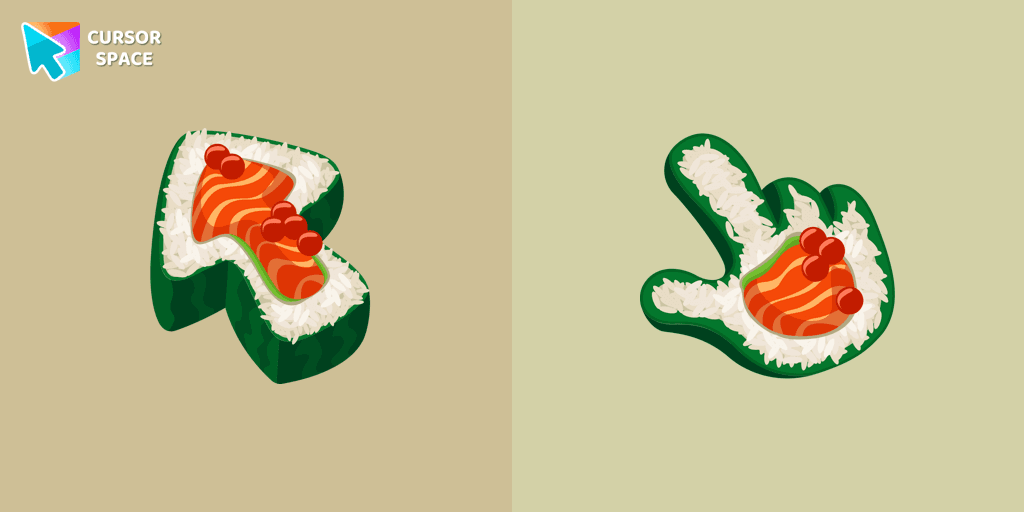
Immerse yourself in Japanese culinary art with the Sushi Texture custom cursor for Google Chrome and elevate your browsing experience with style.
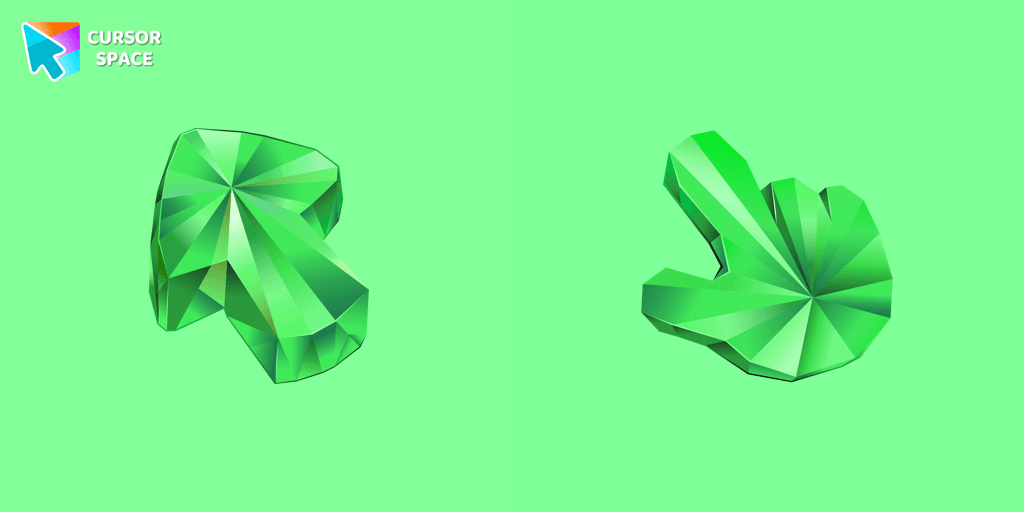
Enhance your browsing with the Emerald Texture custom cursor for Google Chrome. Add a touch of elegance and history with this gem-inspired design. Try it now.
Add packs instantly and unlock access to thousands of cursors: neon, anime, pixel-art, and more. Fast, safe, and free.
Cursor Space is an extension for changing your mouse cursor in Chrome and Edge browsers: themed collections, HiDPI icons, neon, animated, and pixel cursors, with quick installation.
